
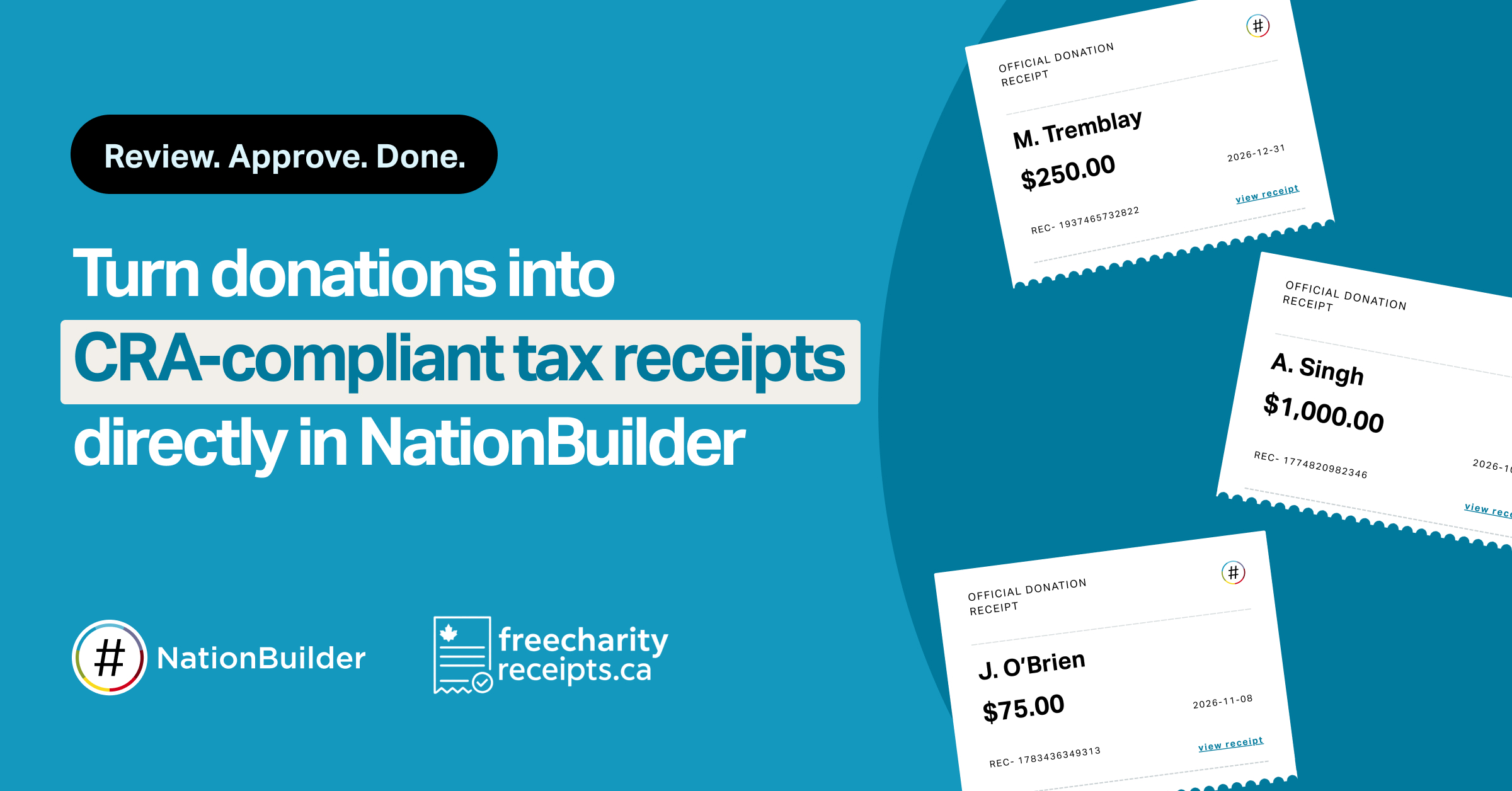
Calling every Canadian charity on NationBuilder — no more exporting donations, wrestling with templates, or checking every CRA field by hand. We've partnered with Free Charity Receipts to quickly turn your NationBuilder donations into valid, CRA-compliant tax receipts.
Free Charity Receipts connects directly to your nation, so you can turn donations into CRA-compliant receipts (numbered, bilingual, emailed to donors, and logged back to each donor's profile) in minutes.
How it works
- Connect your nation. Sign in with secure OAuth. Free Charity Receipts imports your donations read-only; nothing else in your nation is changed.
- Set up your charity once. Add your charity details, logo, authorized signature, and CRA registration number. Every receipt uses them automatically.
- Import and review. Pull donations by date range and review each gift (eligibility, advantage amounts, and credit cost) before anything is issued. Nothing goes out until you approve it.
- Issue and archive. Receipts are issued, emailed to donors, and archived as PDFs. A note linking to each receipt is logged back to the donor's NationBuilder profile.
Built for CRA compliance
Every receipt is built to meet Canada Revenue Agency requirements for official donation receipts, so your donors can claim them at tax time.
That includes:
- All required receipt fields, formatted and numbered correctly
- Bilingual English and French receipts
- Split receipting for galas and events, with the advantage deducted automatically
- Corrections that cancel and replace the original, plus voids that keep the paper trail
- Returned-gift handling that follows CRA guidance
Stay in control
- Preview before you issue. See the exact receipt — logo, signature, and layout — before a single one goes out.
- Auto-sync digests. Choose a daily, weekly, or monthly email that flags new donations ready to receipt. Nothing is ever issued without you.
- Your data stays protected. Each charity's data is isolated, connections use encrypted read-only tokens, and receipts are written back only as a note on the donor's profile.
Get started
To connect your nation, head to the integration page and get ready to issue your first receipts.
